
Research Studio
Matching patients with the best‑fit healthcare providers
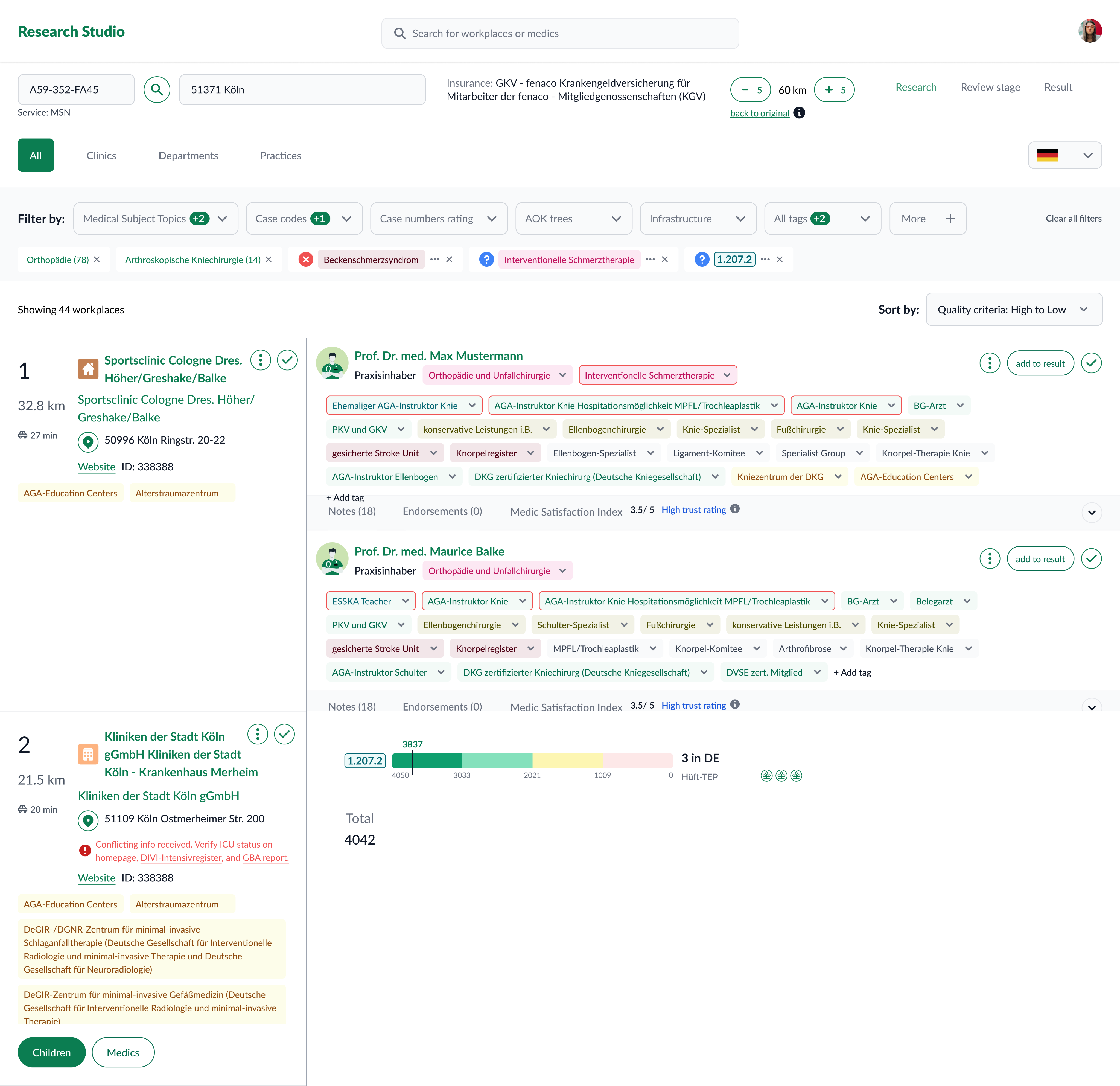
Company: BetterDoc
Role: Product Designer (strategy, research, interaction design)
Timeline: Ongoing (Jan 2023 – Present)
Team: Product, Engineering, Data & Analytics, Medical Sciences, Medical Ops
TL;DR
Designing Research Studio, an internal tool that lets medical researchers explore, compare, and recommend healthcare providers (HCPs) matched to a patient’s condition. It brings fragmented data into one place, explains every result, and makes matching faster, consistent, and auditable.
Outcome highlights:
Unified provider/practice records; stronger filtering and comparison; transparent scoring with evidence trails; reduced onboarding friction; reproducible results.

See it in my presentation
Context
Researcher’s Journey Before
Researchers stitched together multiple internal tools and external sources to form provider profiles. This was slow, hard to compare, and difficult to reproduce—especially when choices needed to be defended later.
- Filter and rank clinics by case numbers in a tool .
- Switch to another tool to filter doctors by medical attributes.
- Cross-check results from above tools, copy into Excel manually, and compare.
- Write an email manually and describe the recommendations.

Some images are blurred for privacy of the patients!
Key problems:
- Low explainability: unclear why one provider outranked another.
- Fragmented data: heavy manual interpretation outside the system.
- Onboarding friction: difficult for new researchers to ramp up.
- Filtering needs: more granular, flexible filters (e.g., sub‑code case counts).
Challenges for the New Product
Difficult to recall relevant attributes
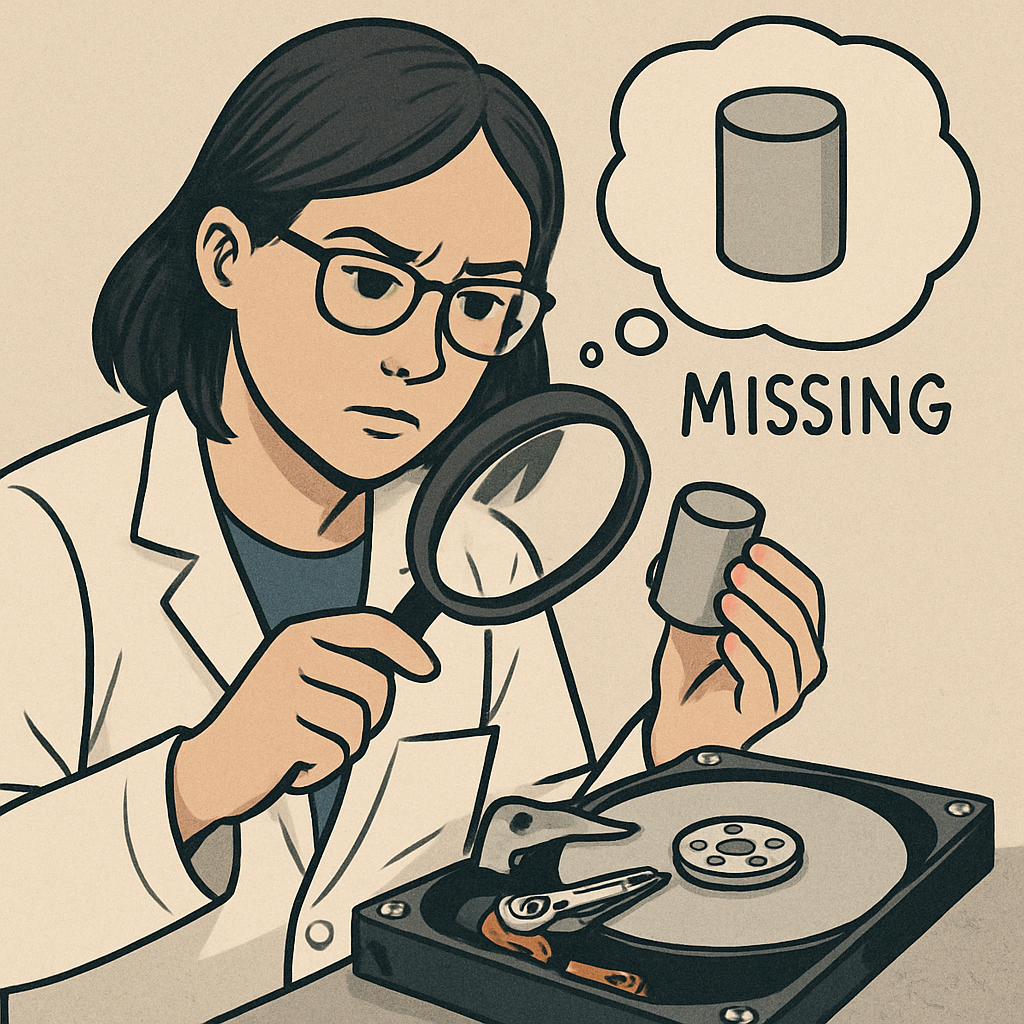
10,000+ medical attributes made it hard to remember and filter the right ones, increasing errors and missing good doctors.
Incomplete and inconsistent database
Data was not fully structured. Rules are informal, and non-documented. Highly dependent to human interpretation.
Infeasible to show only case-relevant attributes
This could result in a cluttered interface, reducing efficiency for researchers.
Varied research approaches
Research methods differed by case and specialization, making it hard to design a single solution without compromising usability and efficiency.

Desiderata: We needed to
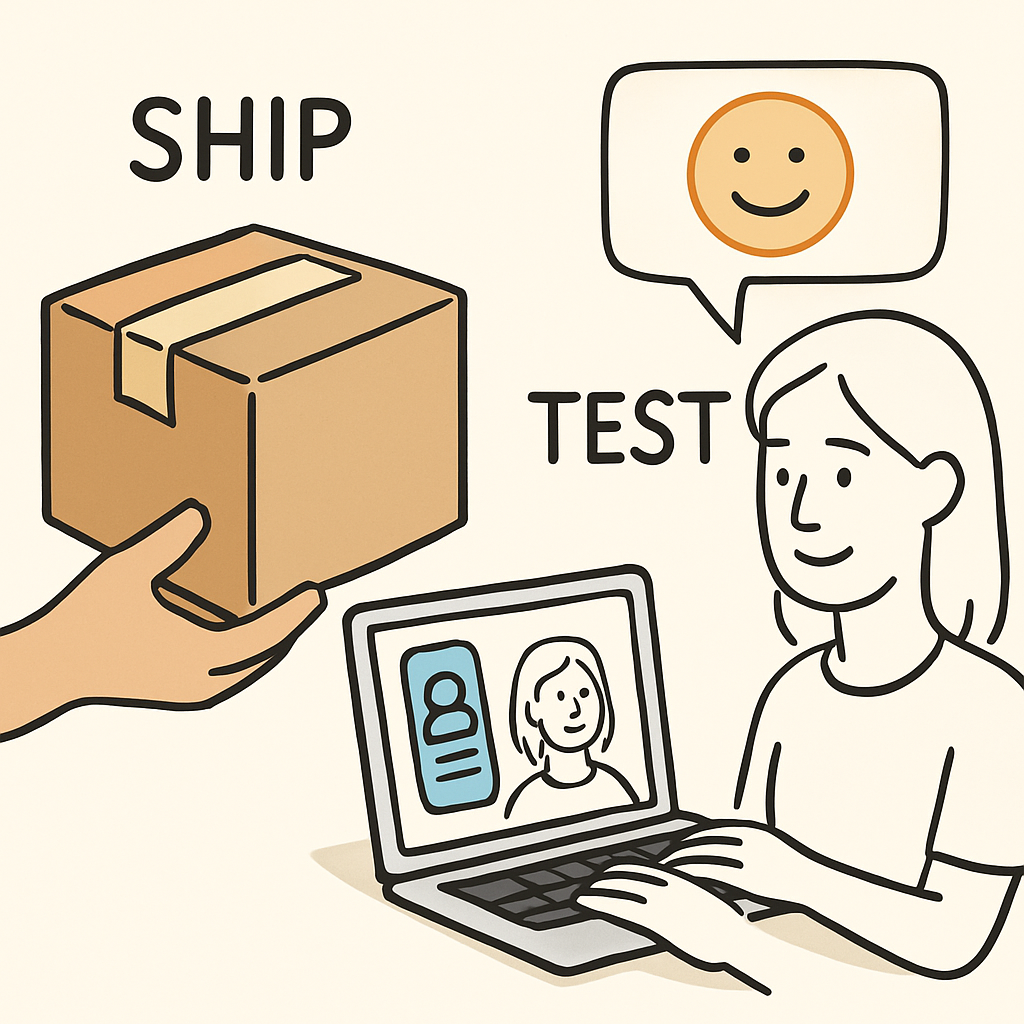
Ship fast, evaluate assumptions more on Real-world test
Testing outside of real scenarios was too limiting, as risks often became apparent during actual research with real data. We opted to quickly release an end to end MVP to a limited number of users and learn directly from real-world usage.
Stay closely aligned with medical science experts
We collaborating closely with medical scientists to enable them to shape recommendation rules and research.
Goals & success criteria
Centralized, structured data — one canonical record per provider/practice.
Medical quality & guidance — strong filters and clinical cues to find the best match.
Minimal onboarding — first useful result without training.
Faster matching — less time hunting/interpreting data.
Transparency & traceability — every score has an evidence trail (sources, transforms, versions).
Reproducibility — same profile + same dataset ⇒ same ranked result.
Success signals: a new teammate can complete a defensible search end‑to‑end; audits don’t require “tribal knowledge;” the system shows the trail.
Discovery
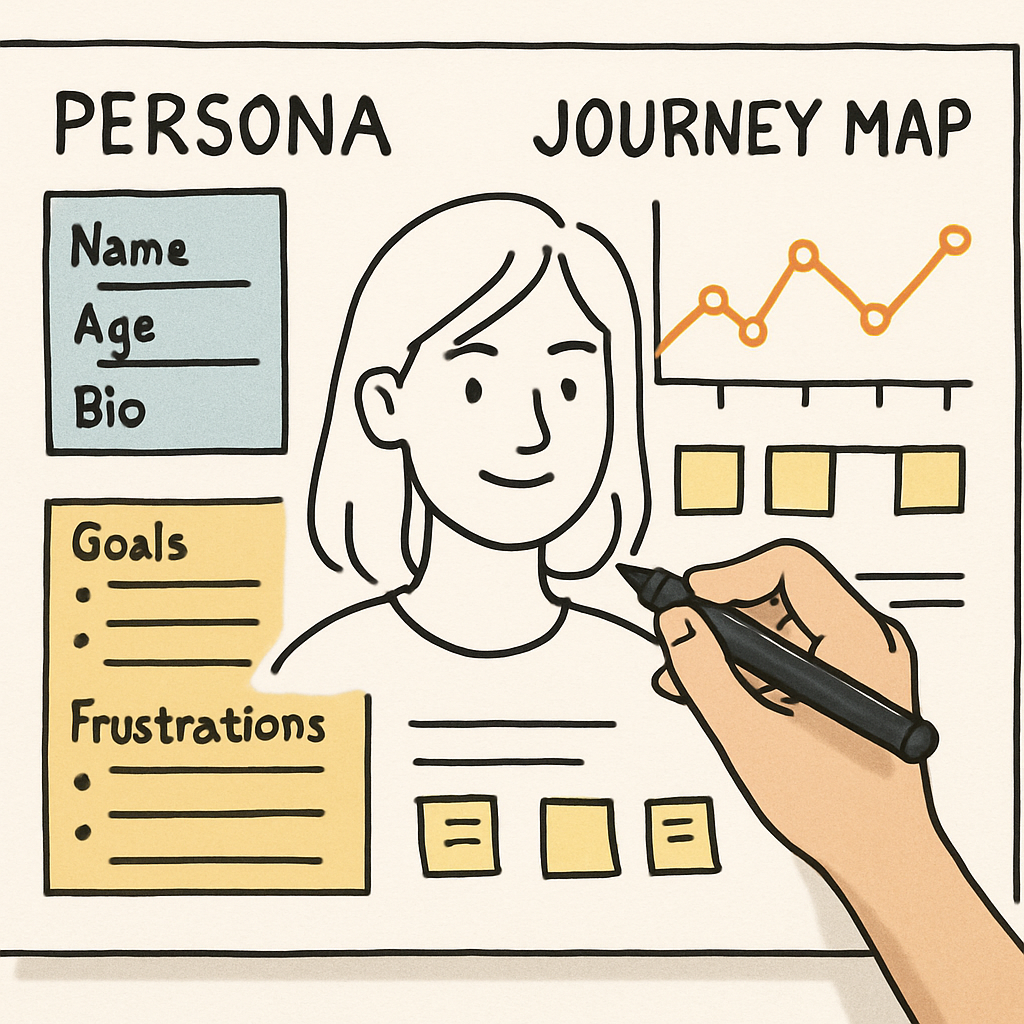
Persona & Journey mapping
Map out the end-to-end research workflow to understand steps, handovers, and bottlenecks.
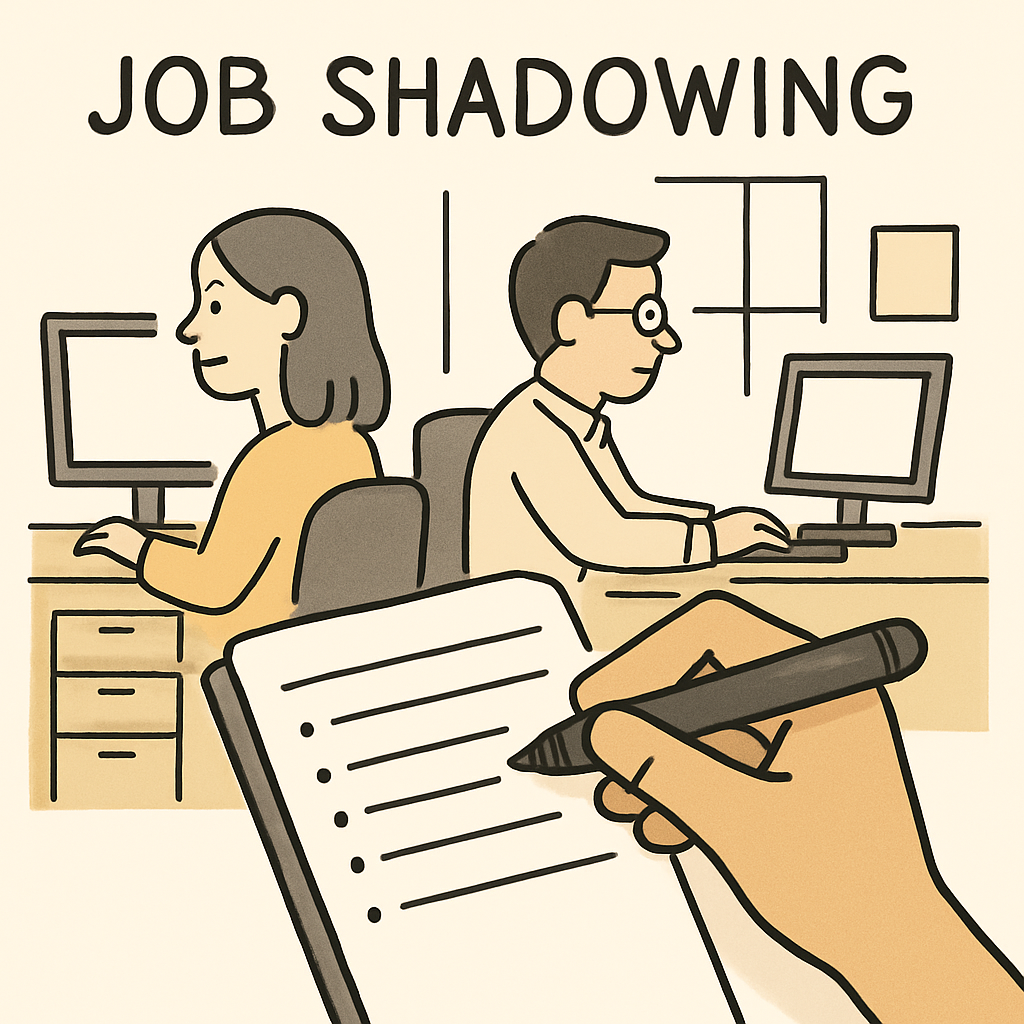
Regular job shadowing
Observe researchers in their daily work
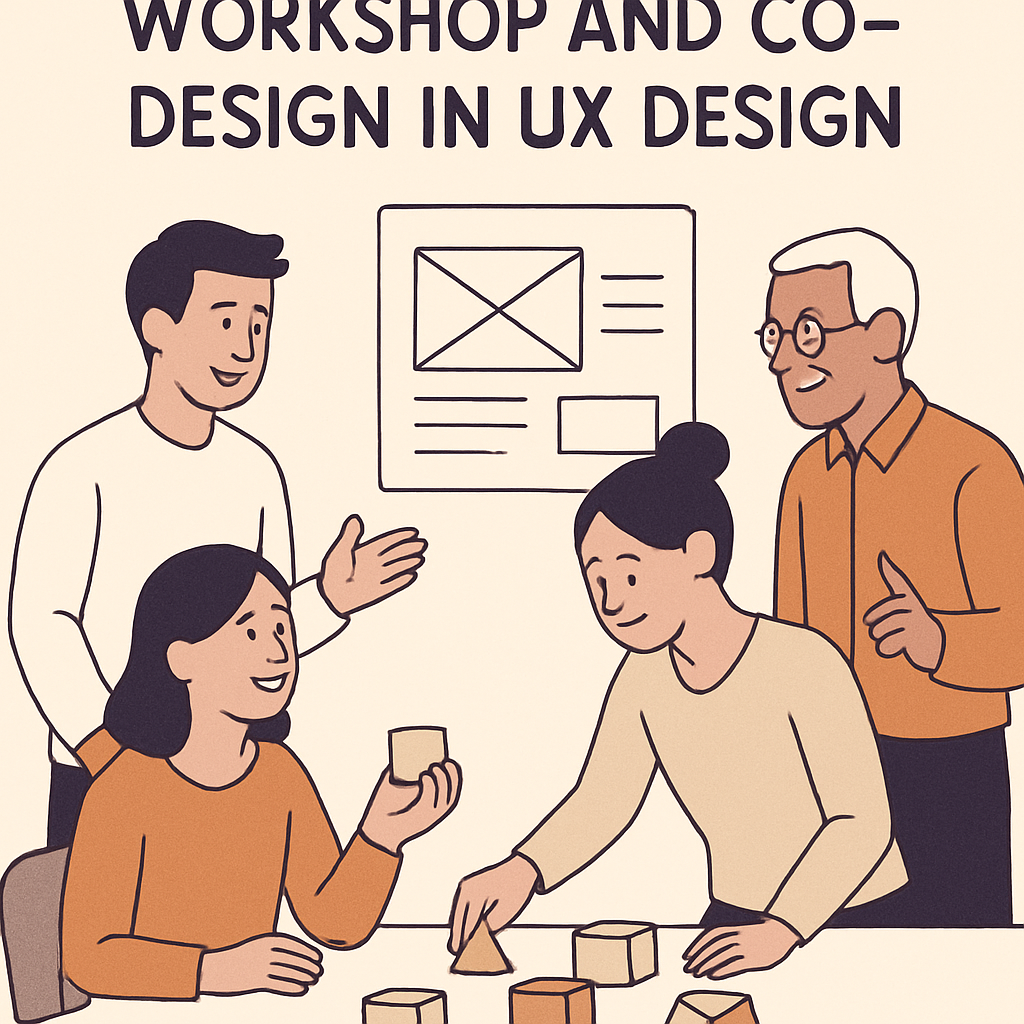
Workshop and co-design
If you’ve got a bunch, add another row, or use multiple copies of this slide.
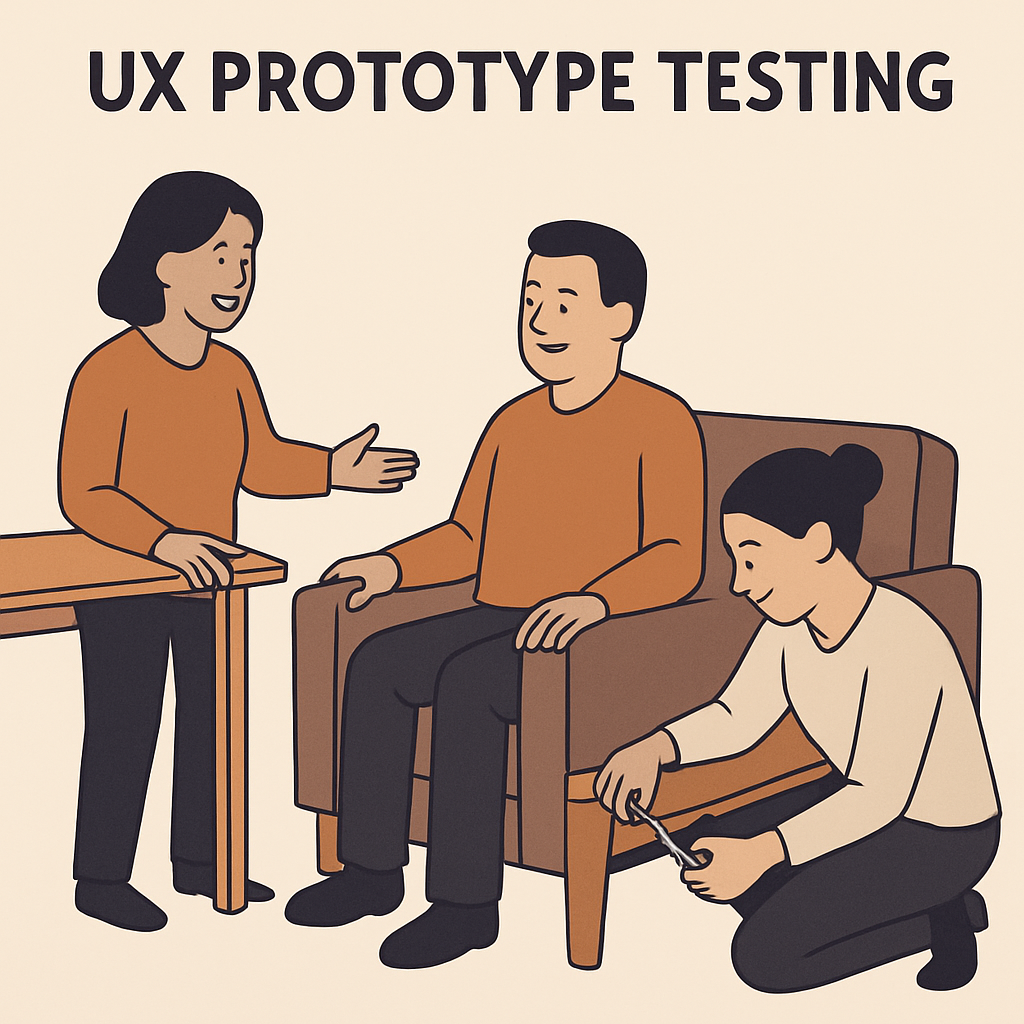
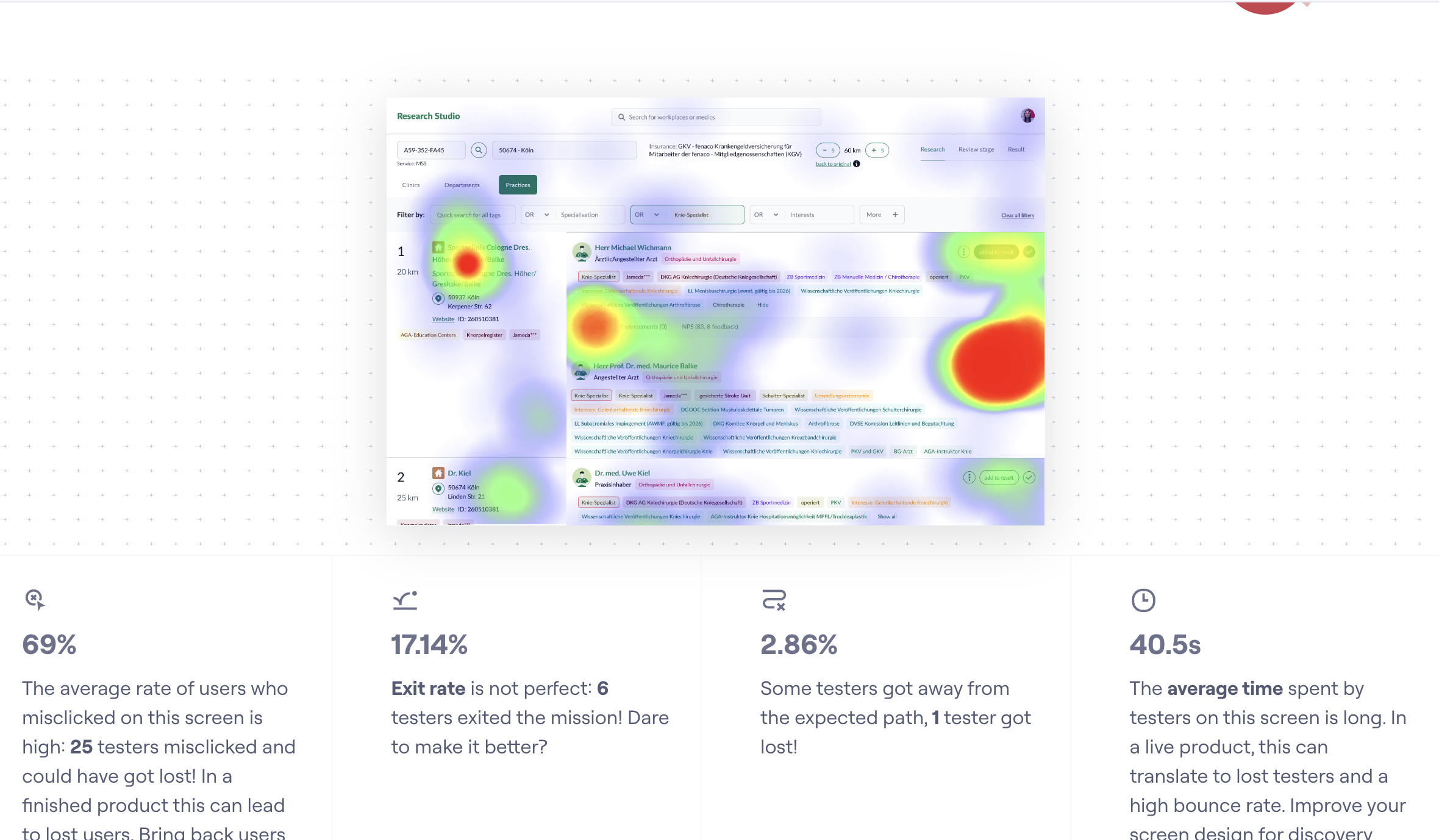
Prototype testing
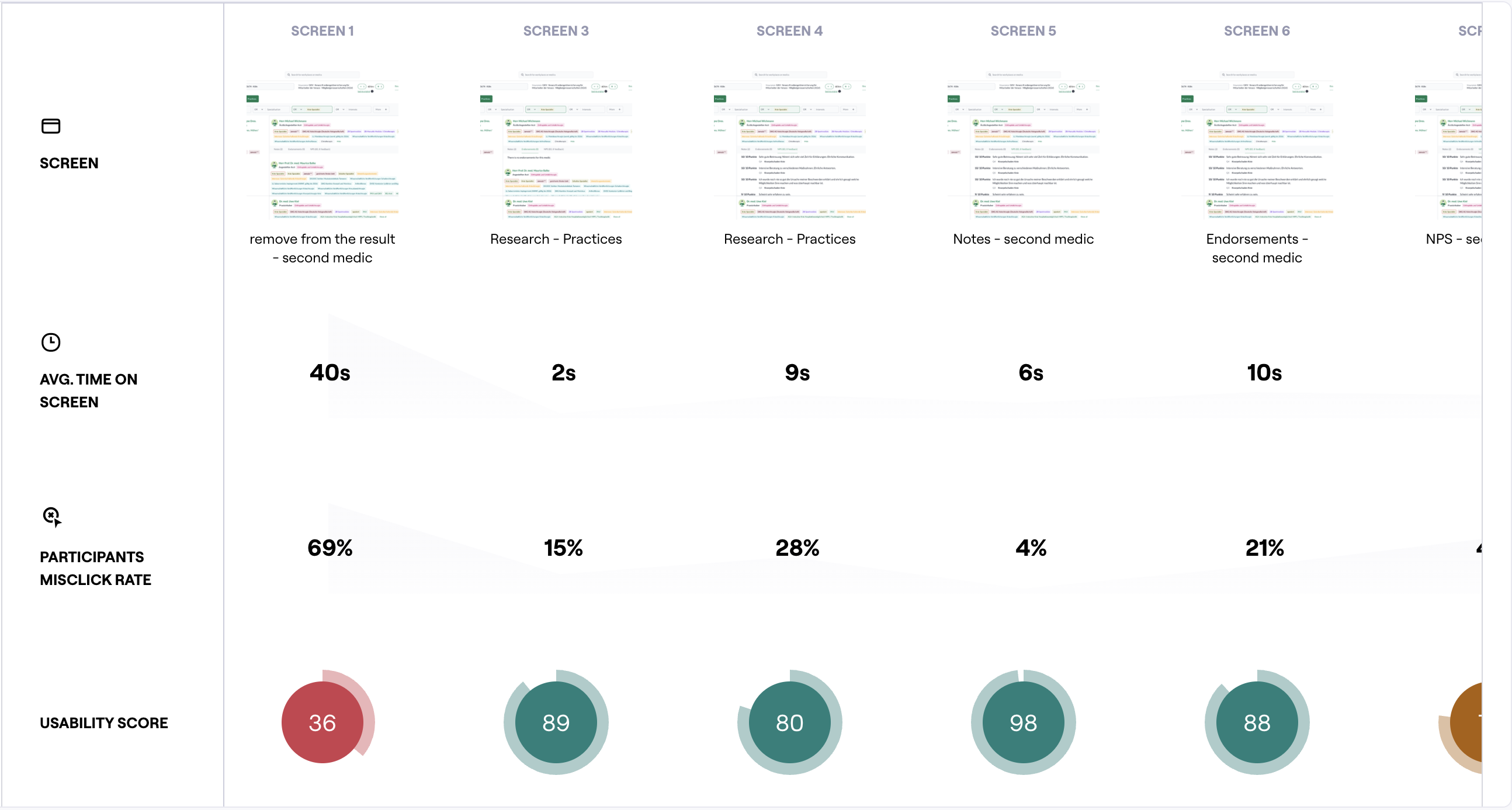
Run frequent testing sessions to test concepts, validate assumptions, and iterate quickly both using Figma prototypes, Maze, AI tools like v0, Figma Make.
Methods
- Shadowing live cases — understand real‑world workflows, constraints, and edge cases.
- Weekly user interviews & tests — prototype test concepts, refine flows, de‑risk decisions.
- Personas & journey mapping — surface hand‑offs, bottlenecks, high‑leverage opportunities.
- Opportunity Solution Tree — align opportunities, assumptions, and bets with business goals.
Key insights
- Trust drops when results aren’t explainable.
- Fragmented inputs force manual workarounds.
- Onboarding is slow without guardrails and clear summaries.
- Filters must expose granular case counts and clinical nuance.
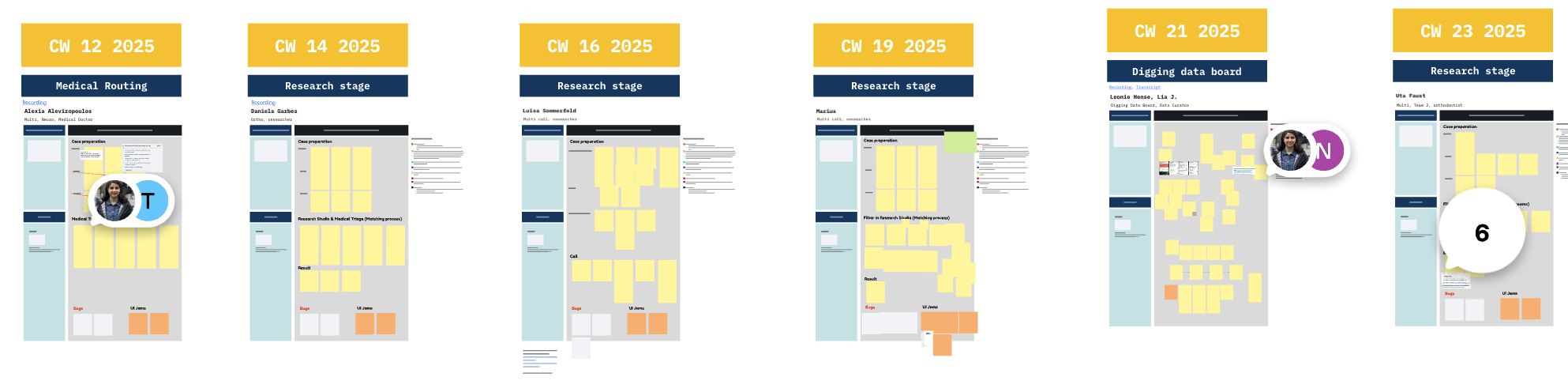
Job shadowing and user interviews
Brief bio & key needs
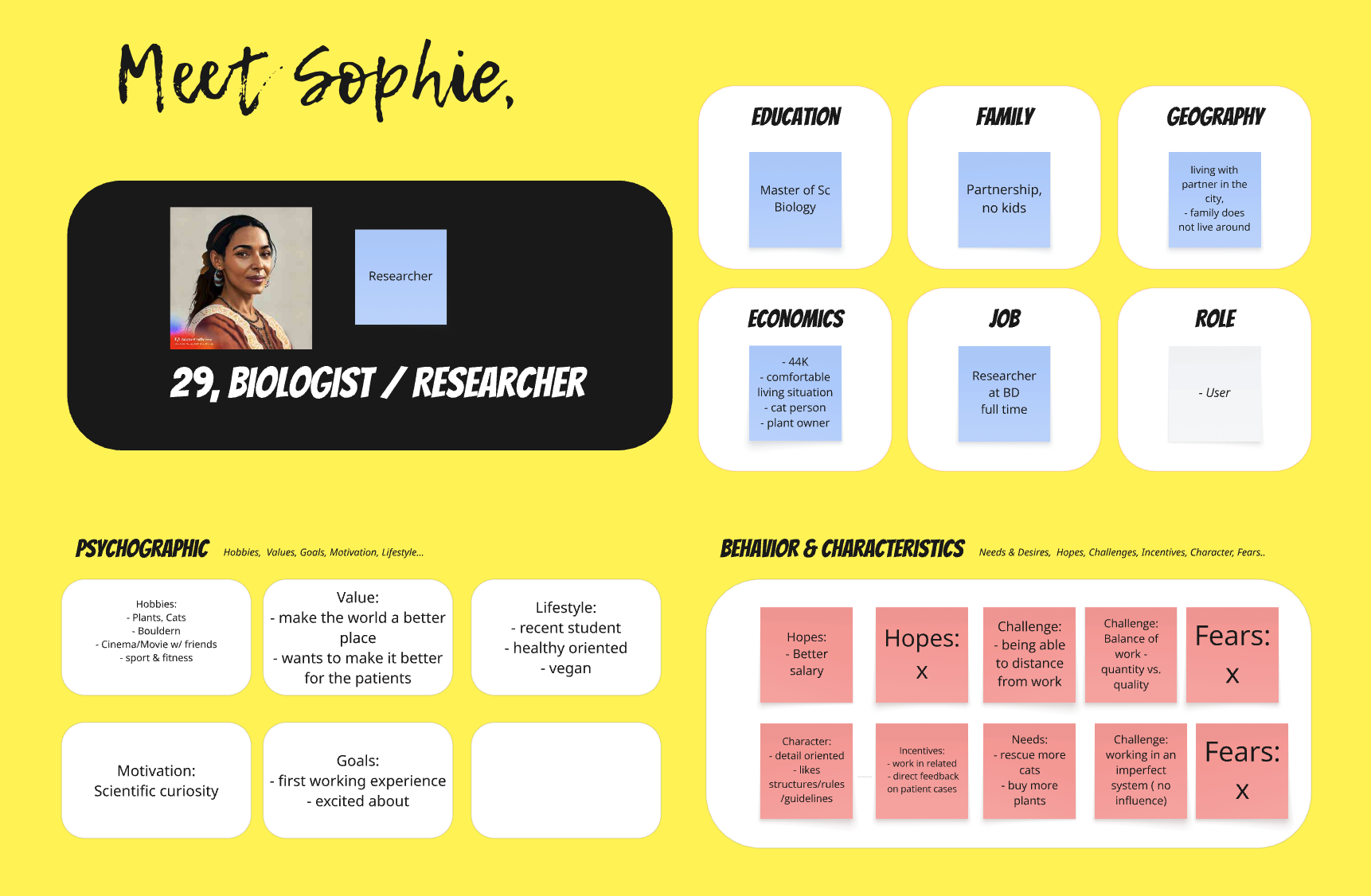
Persona
Brief bio & key needs

User journeys
Before/after map highlighting failure points.
Solution overview
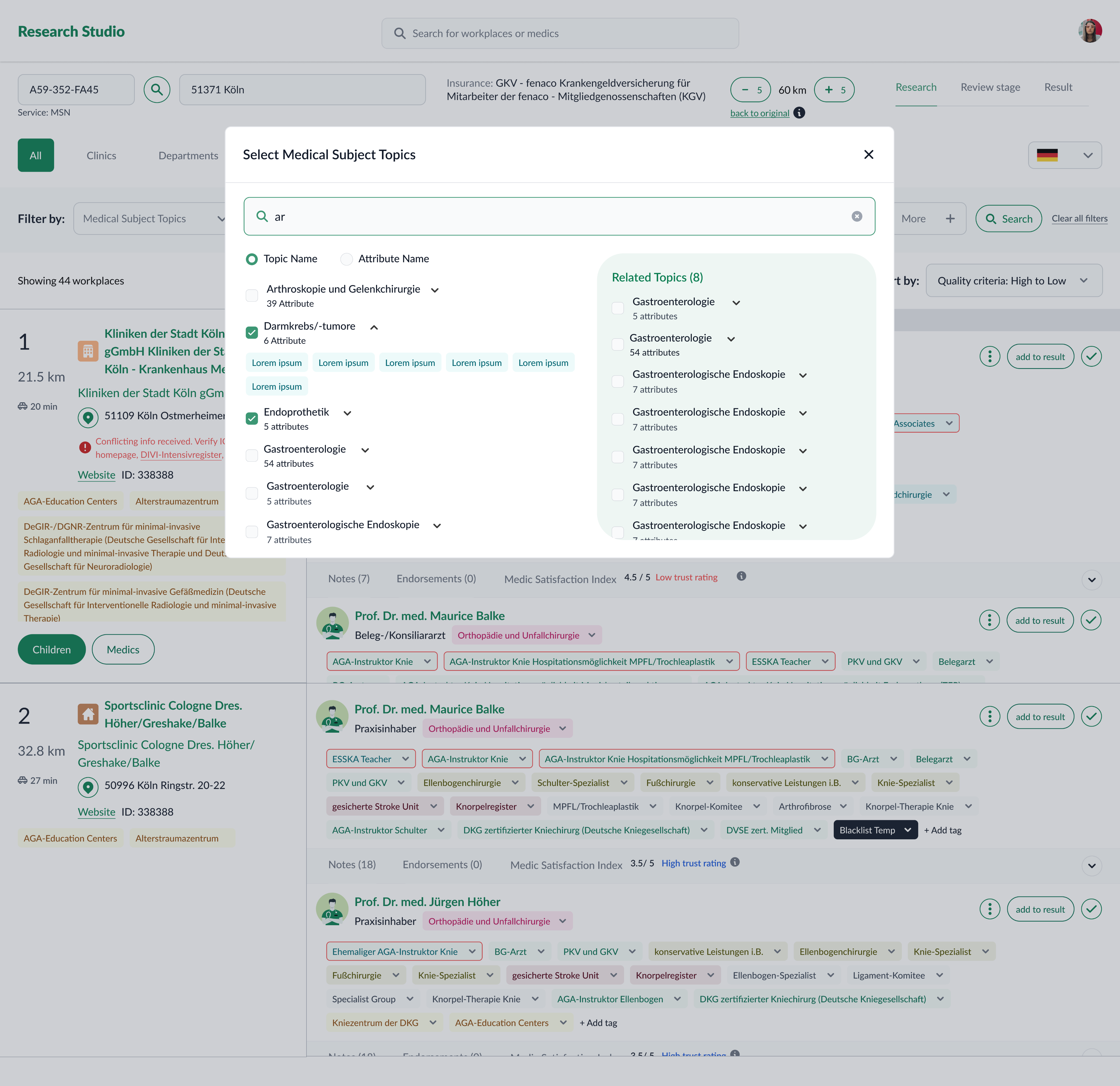
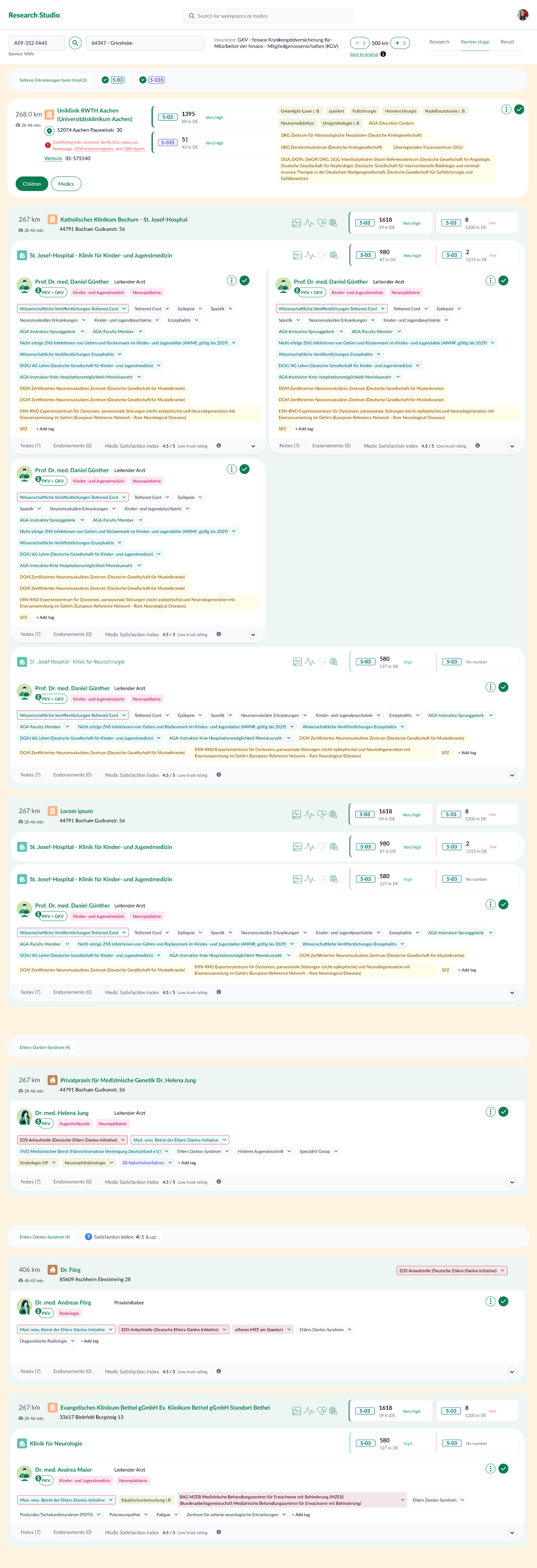
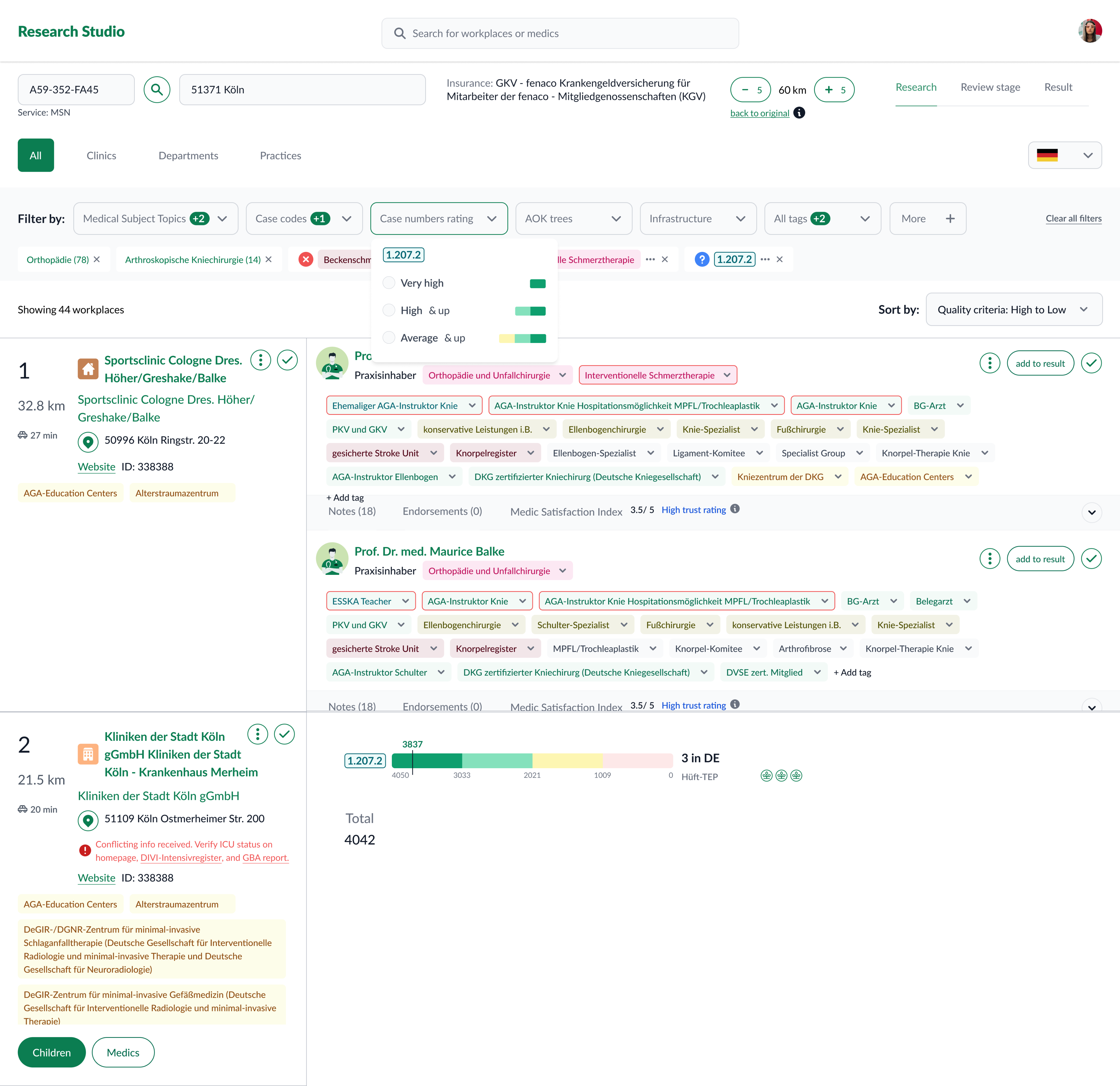
Research Studio centralizes provider/practice data and adds tools to filter, compare, and explain results.
Key capabilities
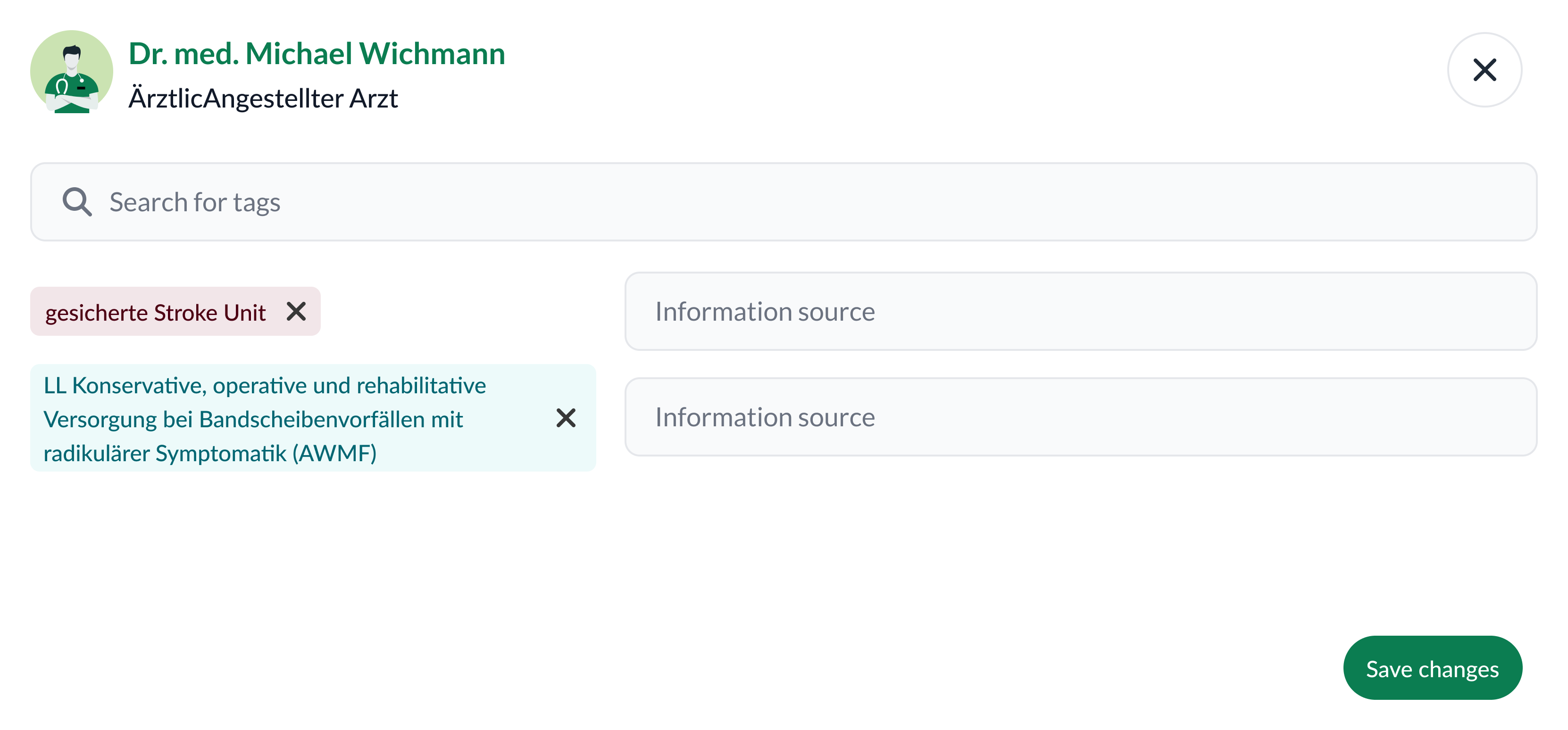
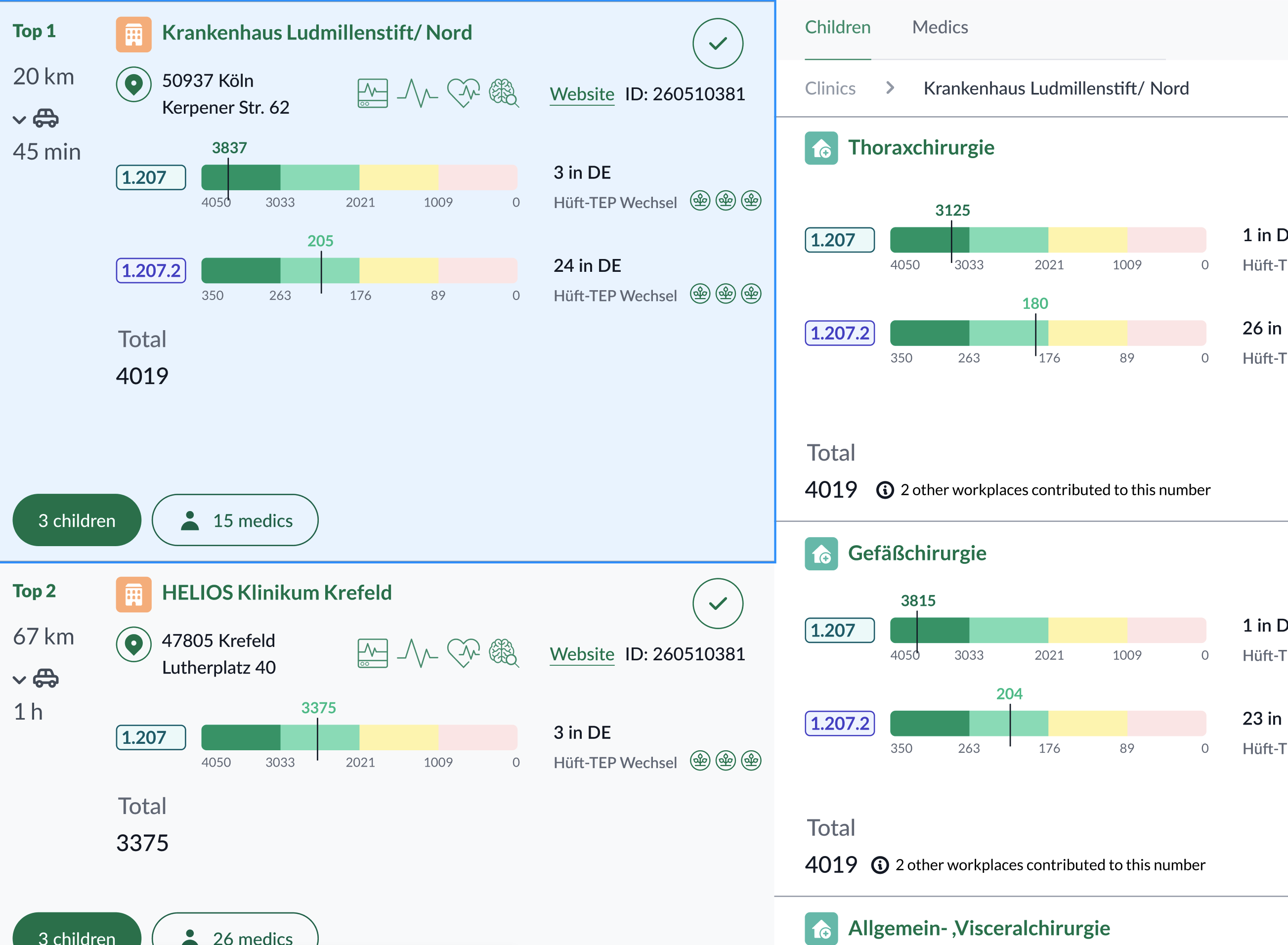
- Advanced filtering by topic, attributes, geography, and case counts (incl. sub‑codes).
- Practice exploration to see provider–organization context.
- Side‑by‑side comparison to shortlist defensibly.
- Result generation & export with traceable evidence (sources, transforms, versions).
Evolution & iterations
- End‑to‑end basics — filtering HCPs by structured profiles; comparable attributes; actionable result list.
- Add practices — evaluate providers within their organizations to deepen matching criteria.
- Usability optimizations — integrate new data (e.g., Satisfaction Index); convert key unstructured notes into structured attributes; smooth filtering & comparison UX.
- Evolved review & comparison — introduce dedicated review views and structured comparison frameworks.
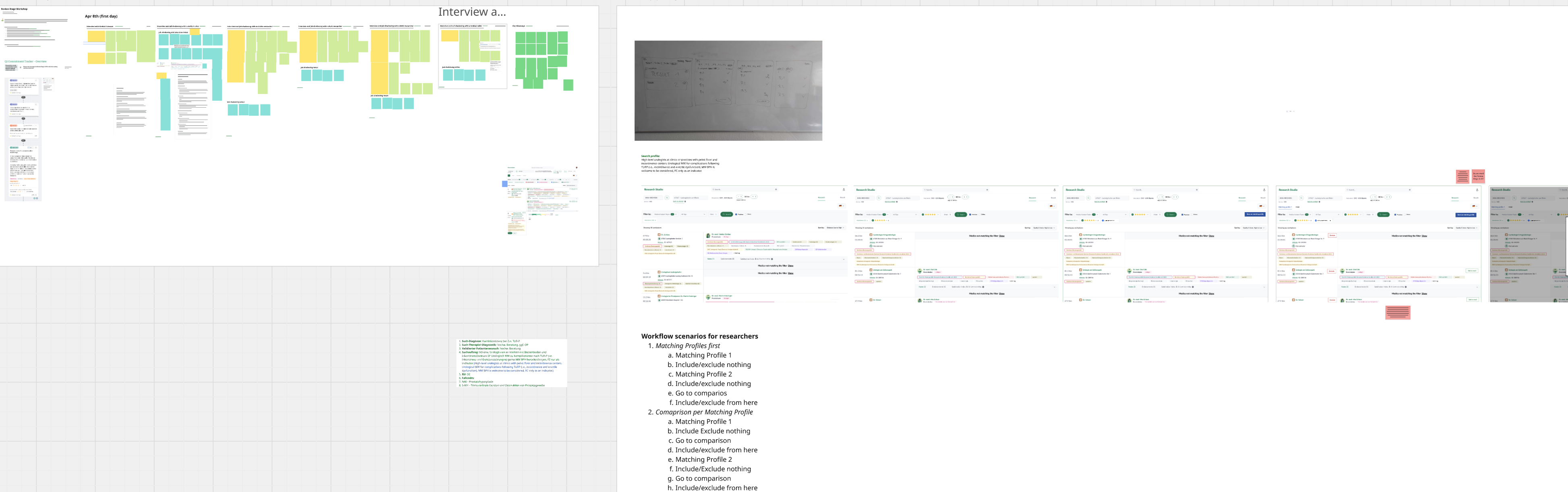
Workshop on the latest iteration: Evolved Review & Comparison
Collaboration model
Worked as a cross‑functional squad with Product, Engineering, Medical Sciences, Data & Analytics, and Medical Ops.Cadence: daily async updates; weekly squad reviews; frequent prototype shares; trade‑off discussions; dips into real usage data.
Roles
- Medical Sciences — clinical logic & terminology; real‑world alignment.
- Data & Analytics — dashboards and decision support.
- Engineering — feasibility, scope, and quick iteration.
- Product — prioritization and stakeholder alignment.
- Medical Ops — on‑the‑ground insights.
Impact
- Faster review cycles — less time spent on manual interpretation.
- Stronger hand‑offs — structured summaries improve cross‑team transfers.
- Clearer attribute usage — aligned definition of “best match.”
- Adoption — integrated into day‑to‑day research workflows.
Reflection & sext steps
What I learned
- Codify clinical standards early; translate them into versioned guidelines and UI guardrails.
- Design for the end‑to‑end pipeline; ensure inputs/outputs are structured and portable.
What’s next
- Deeper explainability (e.g., per‑criterion rationales).
- Advanced cohort comparison.
- Structured exports for downstream teams (triage, physicians).
- Ongoing usability studies focused on first‑time success.